
Welcome passCashimashi
Cashimashi
100%
up to £400
Log in18+. T&Cs apply. Play responsibly.
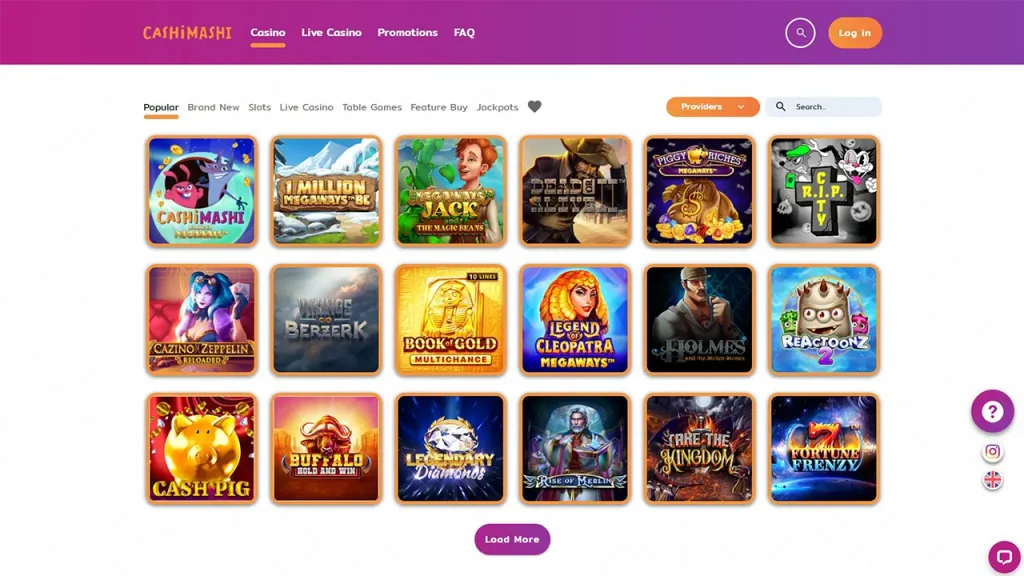
Log in to Cashimashi
Sign in with your e-mail address or username and password, or use the password reset option if you have forgotten it.
Select Log in on the Cashimashi site to open the sign-in form.
Enter the e-mail address or username and password linked to your account.
If you have forgotten your password, use the password reset option; on a new device, complete two-step verification if enabled.
Failed attempts, pending verification or self-exclusion can lock access, so contact support through live chat or email if you cannot sign in.
To access a Cashimashi account, select the Log in button and enter the e-mail address or username and password registered to it. Check the details before submitting them, especially if you normally use both an e-mail address and a username on different sites. Once signed in, the account area is where you can manage your profile and check any verification request.
Open the casino in a web browser and choose Log in. Enter the e-mail address or username associated with the account, followed by its password, then submit the form. If the details are accepted, the casino opens the account session; if they are rejected, check for typing errors and confirm that you are using the right sign-in identifier.
Use the same account details each time rather than trying to create another account to get around a sign-in problem. If you cannot remember whether you registered with an e-mail address or username, use the recovery route on the sign-in screen or ask support to help identify the account. Avoid repeated guesses if the password is uncertain, as failed attempts can lead to an account being locked.
Select the forgotten-password option on the login screen and follow the instructions shown there. The reset process normally asks for the e-mail address associated with the account so that the casino can send a password-reset link or instructions. Use the address you registered with, and follow the message promptly; if it does not arrive, check the spam folder and make sure the address was entered correctly.
After resetting the password, return to the Log in form and sign in with the updated details. If the reset message does not arrive or the link does not work, contact support rather than repeatedly submitting reset requests. Be ready to provide enough account information for the team to locate your profile and check that the request comes from its owner.
| Access point | What applies |
|---|---|
| Sign-in details | E-mail address or username and password |
| Mobile access | Use a mobile web browser; no app is available |
| Help with access | Live chat or email |
Cashimashi works in a mobile browser, so you can open the casino on a phone or tablet and use the Log in form there. There is no mobile app to download; use the browser version instead. The sign-in details remain the e-mail address or username and password connected to the account.
A sign-in from a new device may prompt extra checks, depending on the account settings and the casino’s security process. Complete any on-screen verification before continuing.
An account may be temporarily locked after failed login attempts. Pause rather than continuing to guess, then use the password reset option or ask support for help. A lock can also be connected to verification that is still pending, or to self-exclusion applied to the account.
Cashimashi requires a photo ID, proof of address and proof of payment before a payout. A utility bill used as proof of address must be no older than two months. If a verification request is holding up access, check the account messages for the requested action and contact support if you cannot complete it.
Cashimashi holds a Kahnawake Gaming Commission licence and is not licensed in Great Britain. GAMSTOP self-exclusion does not block this casino. If gambling is causing harm, GamCare and the National Gambling Helpline can be reached on 0808 8020 133.
Use live chat or email if the reset route fails, the account remains locked, or you cannot tell which sign-in detail is linked to it. Give support the e-mail address associated with the account and describe the message or problem shown on screen. Do not send your password; support can guide you through account checks without needing it.
If you need to change the e-mail address on the account, first sign in and look for the profile or account settings. If you cannot access the old address or the account is locked, contact support for help with the change. The casino may need to verify ownership before updating account details, so follow the checks presented during the request.
| Access point | What applies |
|---|---|
| Sign-in details | Use the Log in button, then enter the e-mail address or username and password linked to the account. |
| Mobile access | The casino is compatible with mobile browsers; it has no mobile app. |
| Support channels | Live chat and email |
| Licence and market status | Kahnawake Gaming Commission; the casino is not licensed in Great Britain. |
Find help with signing in, password recovery and account access. Cashimashi is not licensed in Great Britain.
To sign in to Cashimashi, select Log in and enter the e-mail address or username and password linked to your account. Check that the details are entered correctly before submitting them. If you have forgotten your password, use the forgotten-password option on the sign-in screen to begin recovery.
Use the forgotten-password option on the sign-in screen to start a reset. Follow the instructions sent to the e-mail address linked to your account, then sign in with the new password. If you cannot access that e-mail address or the reset does not work, contact support by live chat or e-mail.
An account may be locked after failed sign-in attempts, while verification is pending, or during self-exclusion. If you believe the lock is a mistake, contact Cashimashi support through live chat or e-mail. Verification requires photo ID, proof of address and proof of payment before a payout; the address document must be a utility bill no older than two months.
Cashimashi works on mobile through a web browser, and there is no mobile app. Open the casino site in your phone or tablet browser and use Log in with your account details. The same sign-in details apply whether you access the account on a mobile device or a computer.
Contact Cashimashi support by live chat or e-mail to ask about changing the e-mail address linked to your account. Be ready to confirm your identity and account details so support can handle the request. The casino requires photo ID, proof of address and proof of payment before a payout.
Cashimashi offers support through live chat and e-mail if you cannot access your account. Contact either channel with a brief description of the sign-in problem and the e-mail address or username associated with your account. Do not send your password in a support message.
100% up to £400
Still deciding? Your welcome offer is ready to claim.